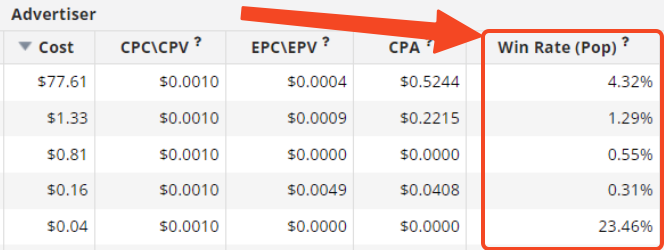
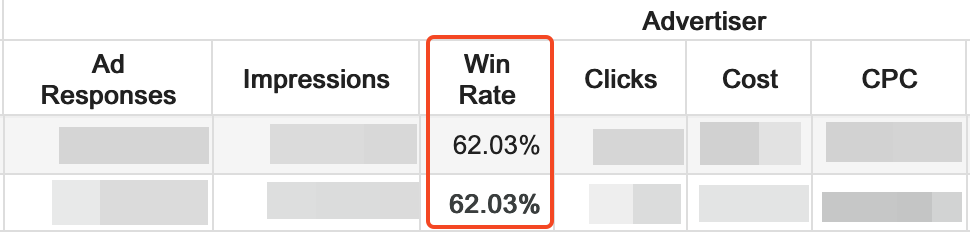
Win Rate is the % of your won clicks/impressions from the total amount of Pushub Supply.
Pops Win Rate = Clicks/Ad Response
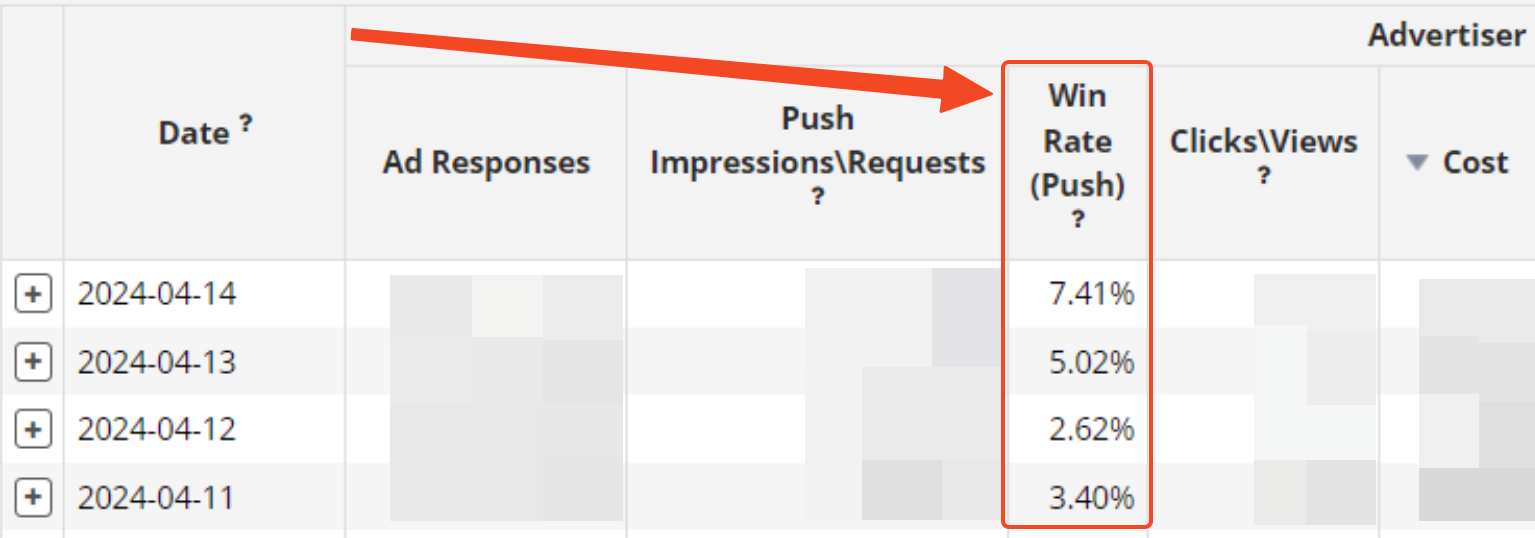
Push Win Rate = Impressions/Ad Response
How to manage your Win Rate on Push?
Low Win Rate = below 50%.
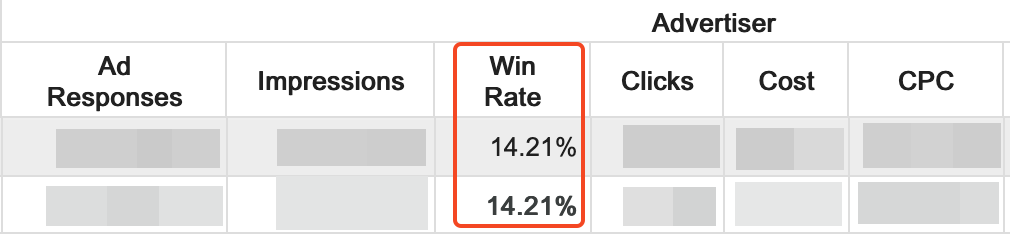
Optimal Win Rate = above 50%.
How do we deal with the Win Rate?
The key metric you should focus on is the Win Rate for Pubfeed SubIDs. Working on it is the most precise, meticulous work. It allows you to maximize control over campaign results. So, if you've decided to work on Win Rate, you should first pay attention to the level of Pubfeed SubID.
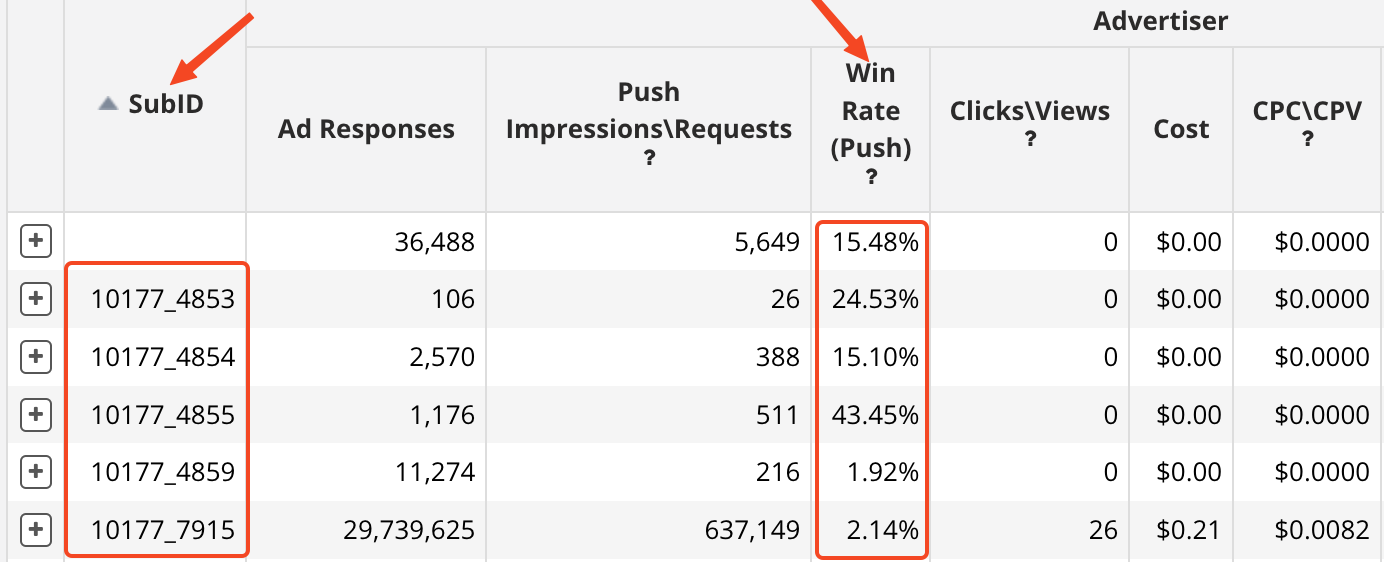
Tip: Carefully examine the Win Rate for each traffic sub-source and increase bids where the Win Rate is below 50% and the CPA is below or within your KPI range.
The Pubfeed’s Win Rate shows how much traffic of the Supply you win in this specific source. If your Win Rate is below 50%, in the battle for traffic on this resource, you're not winning the full volume you could get.
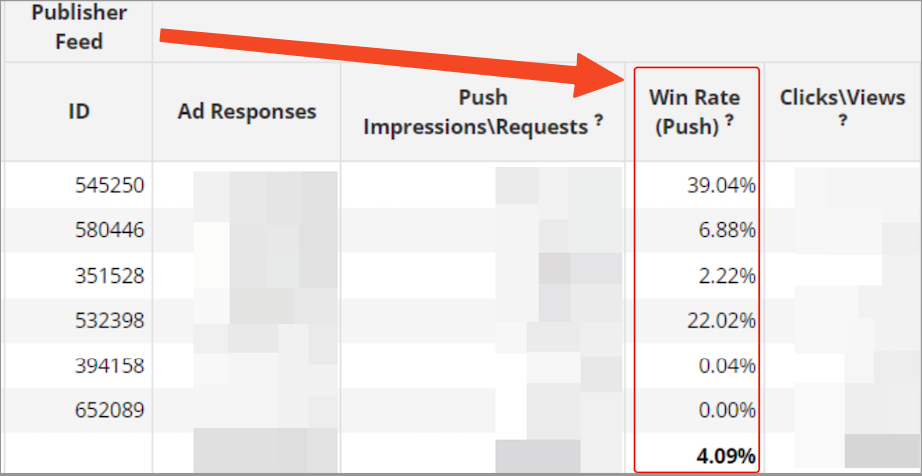
Tip: If you're not satisfied with the Win Rate at the Pubfeed level, it's also better to start by focusing on Pubfeed SubID and make sure you've done everything possible.
The banner’s Win Rate indicates how much traffic from the Supply that banner wins.
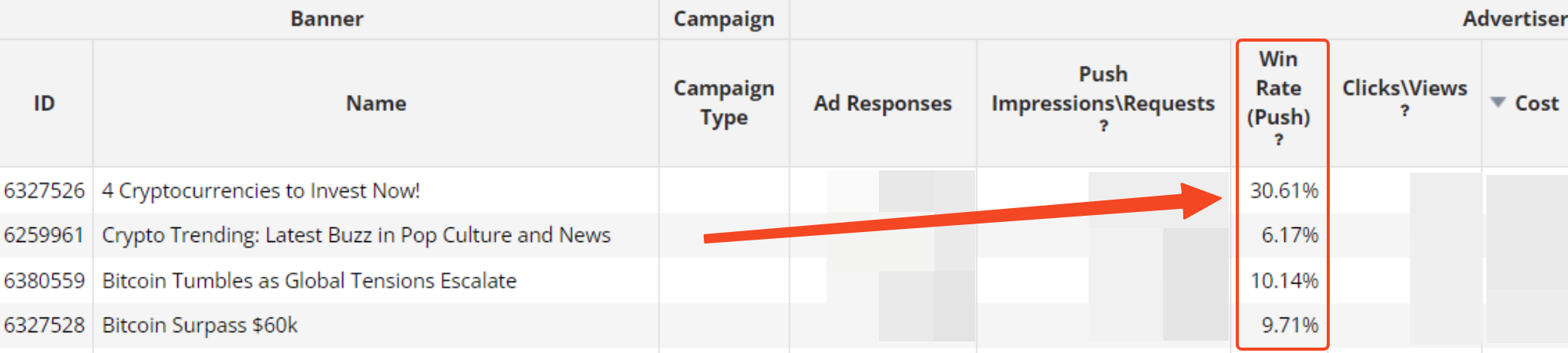
Tip: If a banner's Win Rate is below 50%, you should work on the creatives. Actually, that’s the only thing you can do to improve the performance of the banners.
The campaign's Win Rate shows how much traffic your campaign wins overall from the total Supply volume. Remember, 2 factors impact the Win Rate of your campaign: CTR & bid. If bid increase isn't possible, add more creatives with compelling "call to action" text.
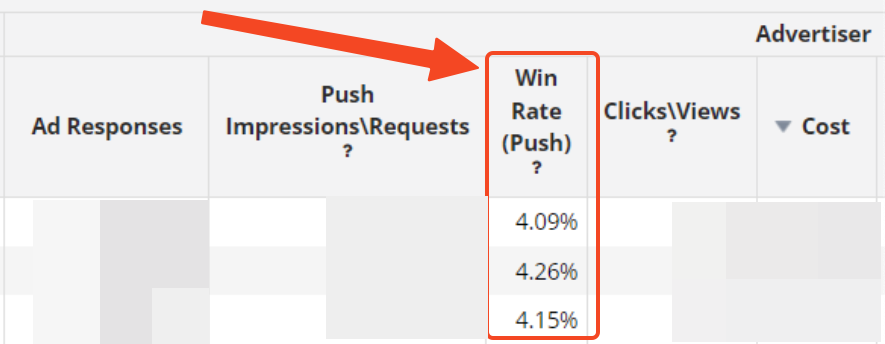
Tip: If your campaign's Win Rate is below 50% and you want to work on this macro level, first ensure that you've done everything possible at the Pubfeed and content (banner) levels. If you've exhausted all possibilities there, then you can proceed to increase the campaign bid overall.
Let's consider the most common examples
Case 1: Your Campaign is exploding on specific sources! Great!
If your Win Rate is below 50% on those sources, it's time to increase your bid on those sources right away.
Case 2: Your campaign is performing satisfactorily but falls short of expectations
Focus on PubFeed SubIDs to find Sweet Spots and explore where you have room for improvement. If your ROI is positive, you can still increase your bid and win more traffic, even if your Win Rate on this sub-source is above 50%.
How much should I increase my bid by?
There can't be a one-size-fits-all instruction; each case is individual and depends on your KPIs. Consult with the Success Team (or Personal Success Manager for Managed and Agency Partners).
Instructions for Beginners
How to view the Win Rate in a campaign?
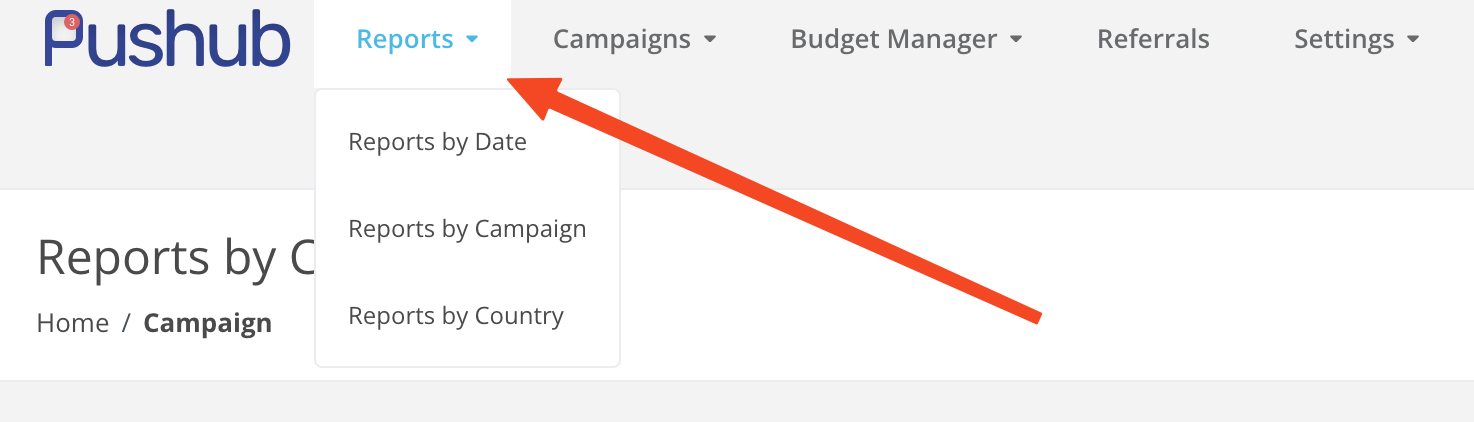
Open the Reports section - Reports by Campaign.
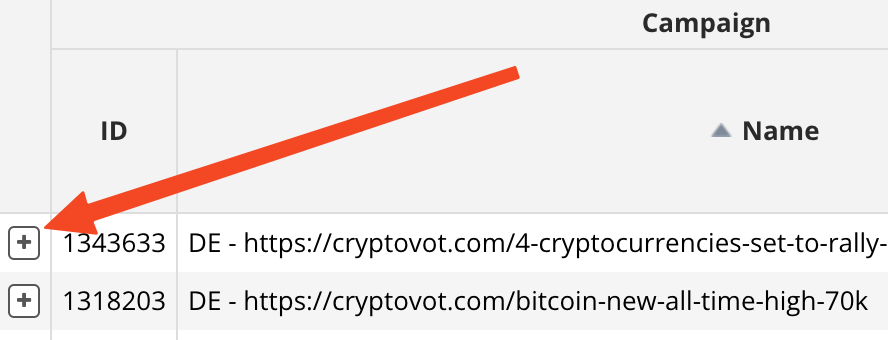
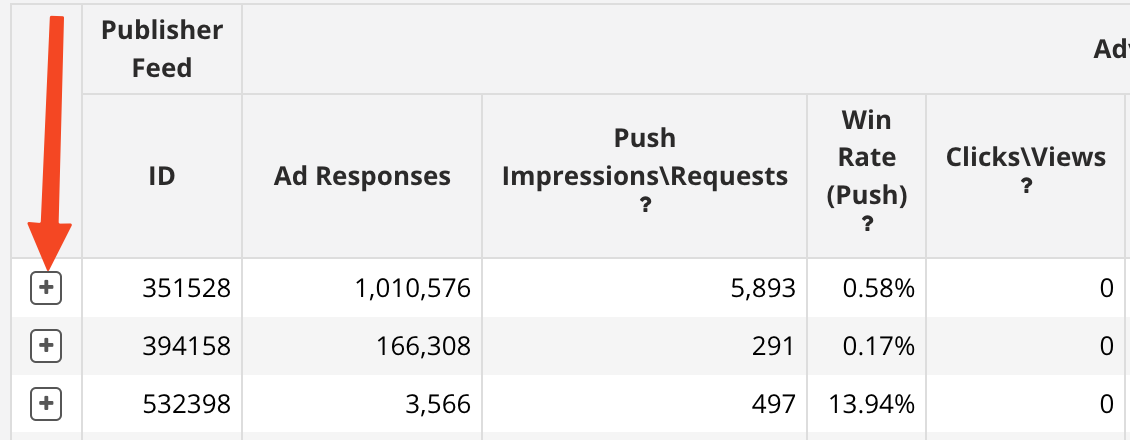
If you want to view the Win Rate Publisher Feed, select the desired campaign, and click on the plus sign next to the campaign ID.
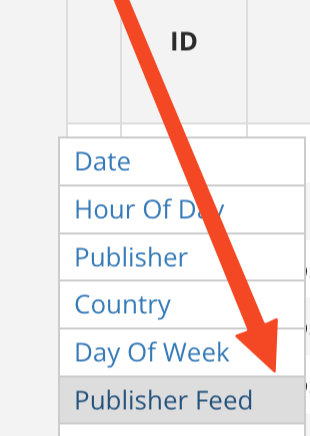
In the dropdown menu, select Publisher Feed.
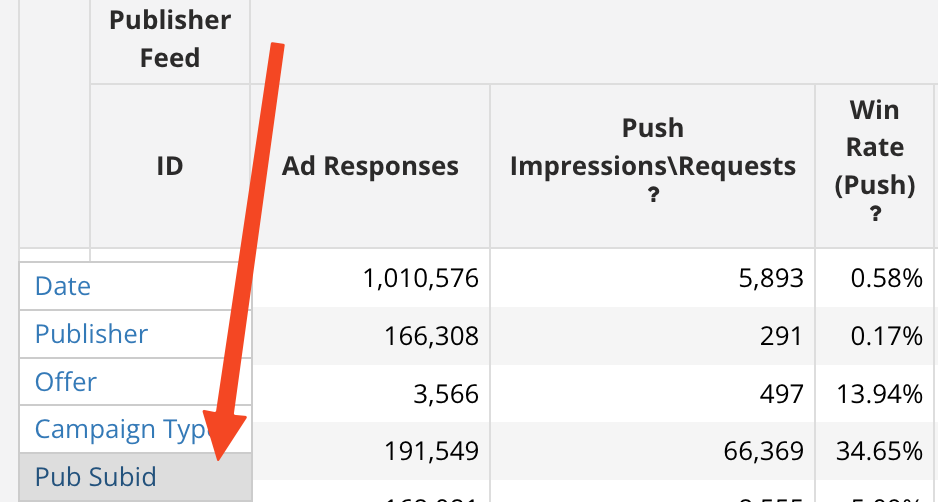
If you want to dive down to the micro-level, to the Pubfeed SubID, open the menu next to the traffic source ID.
Open the menu and select Pub SubID.
How to change the Win Rate at the Pubfeed SubID level?
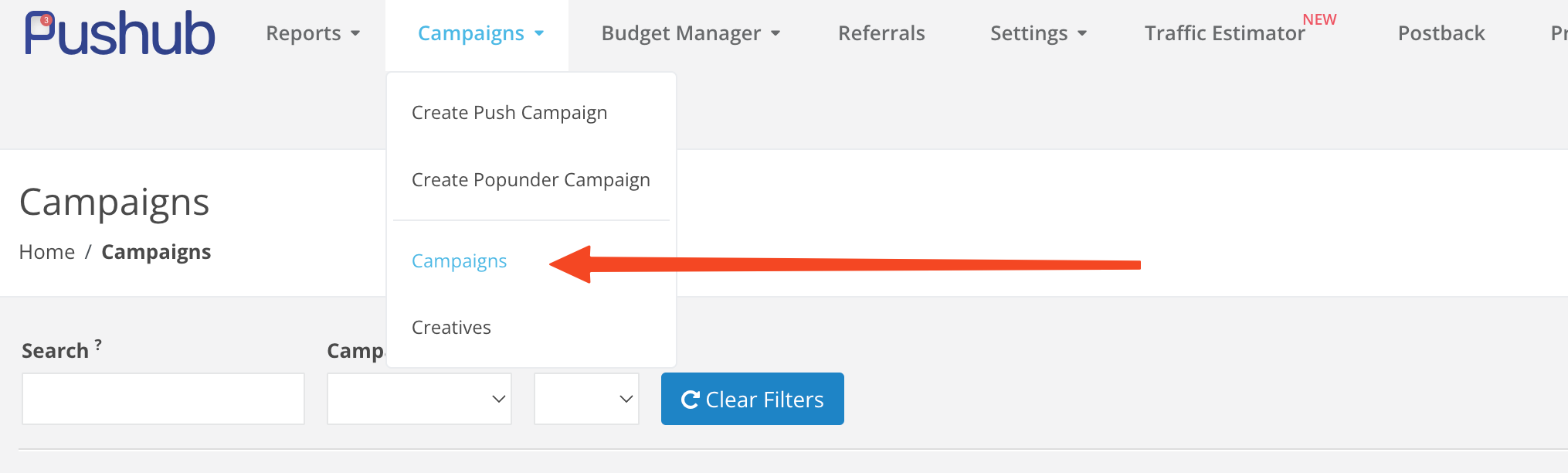
Go to the "Campaigns" menu, then select "Campaigns" from the dropdown menu.
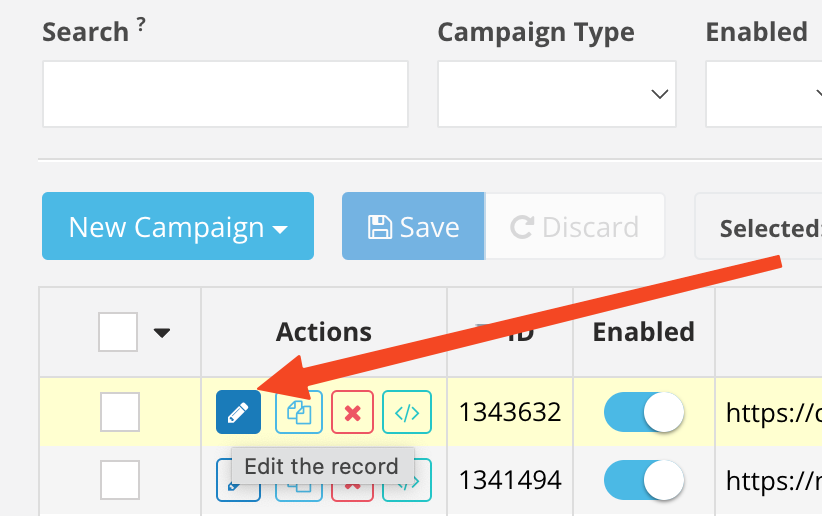
Go to campaign editing.
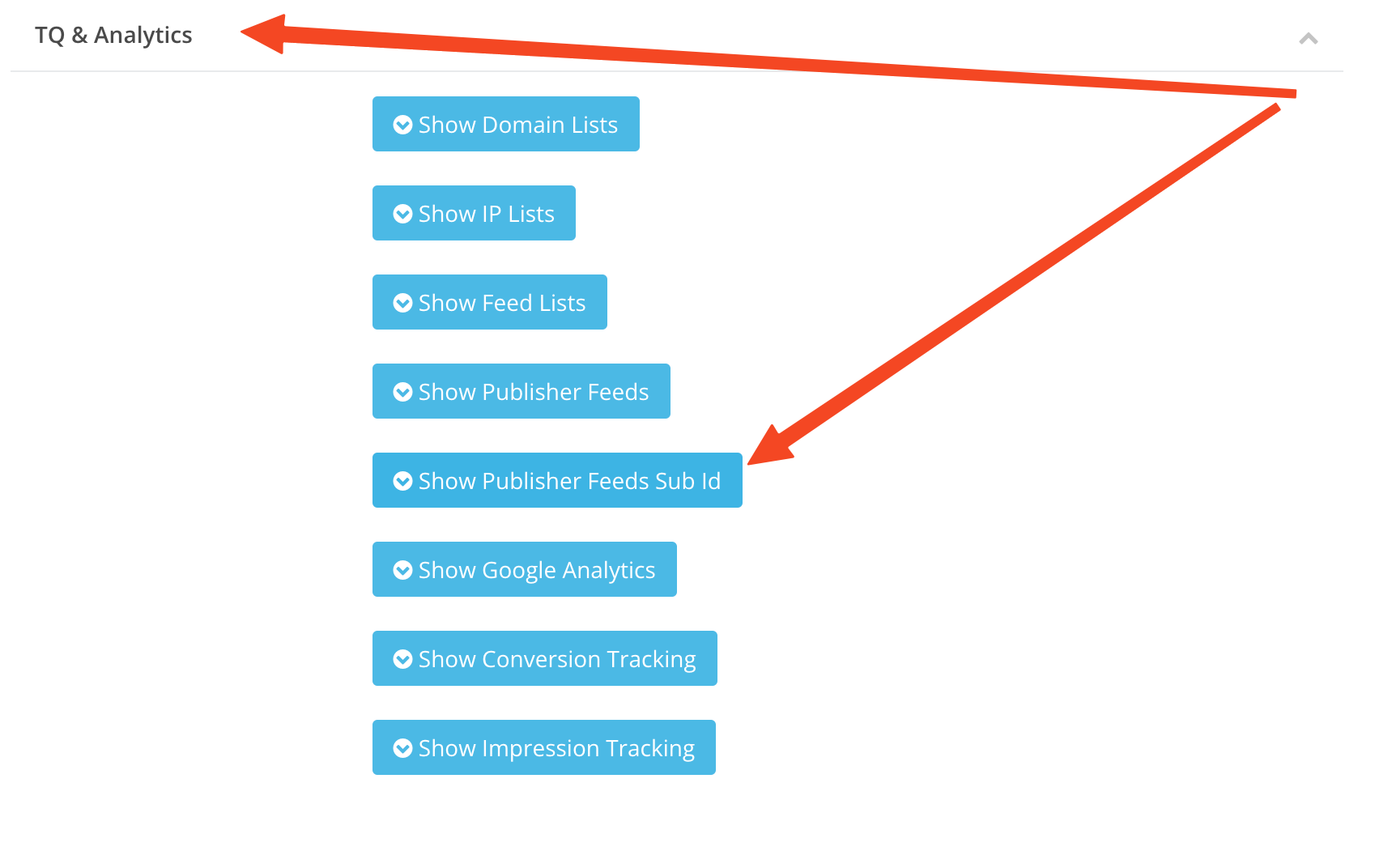
Find the TQ & Analytics section and click on the "Show Publisher Feed Sub ID" button.
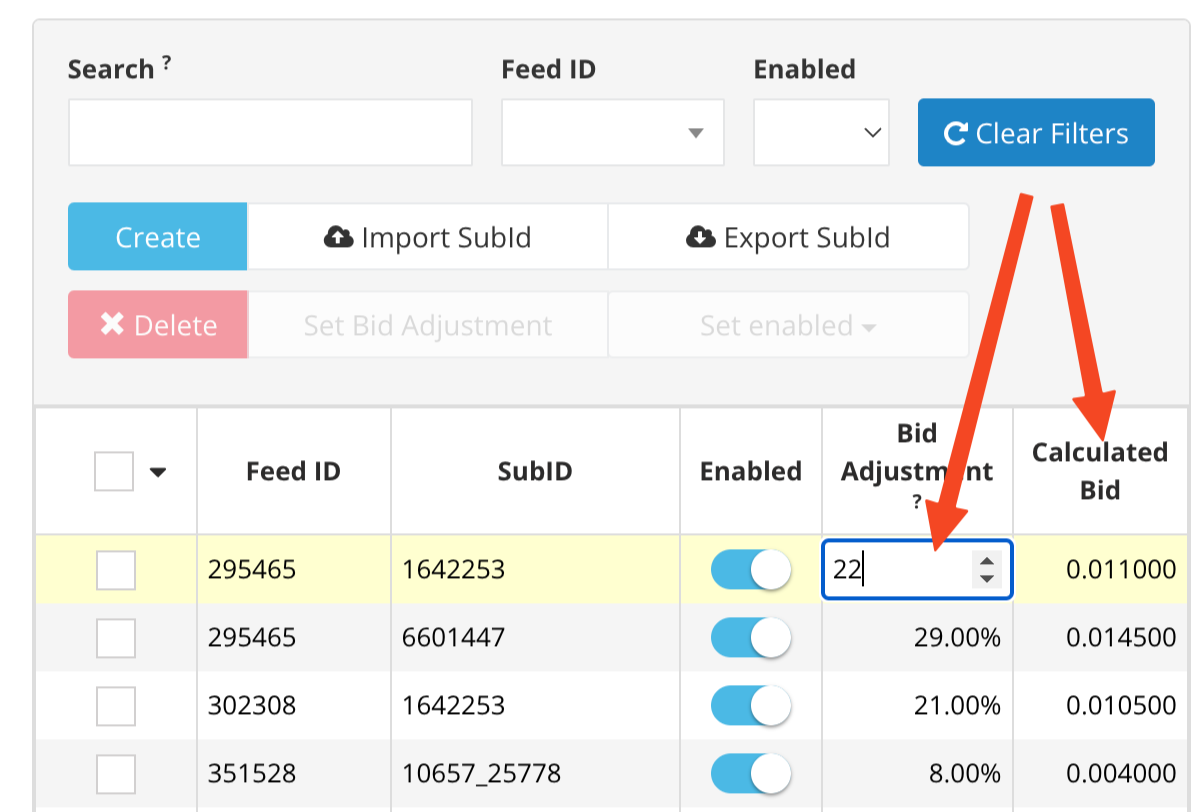
Now locate the desired Pubfeed SubID and adjust the bid in the Bid Adjustment section (it will be in percentage of the bid you set).
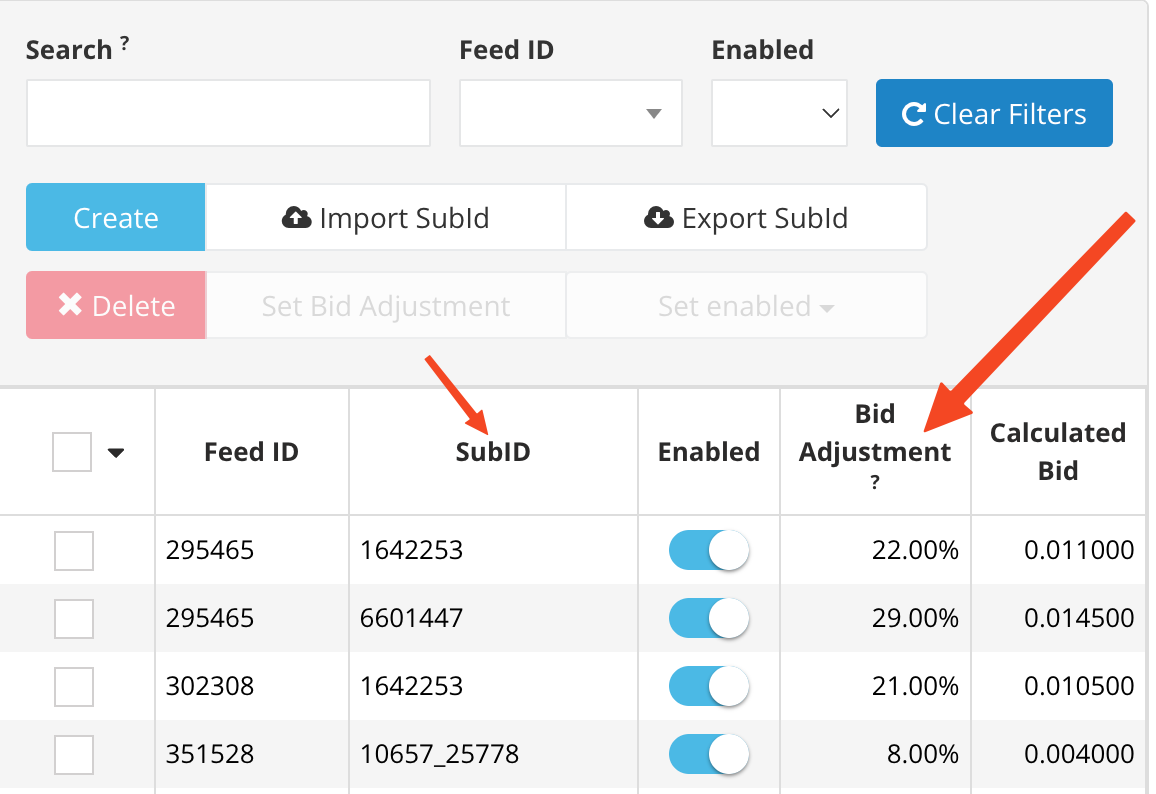
Place your cursor in the Bid Adjustment field, enter the desired percentage, and on the right, in the Calculated Bid column, you'll see the actual bid amount in real numbers.