
Our Segmentation feature allows you to filter traffic sources based on your campaign vertical, ensuring you receive the most relevant traffic for better performance. In this guide, we’ll walk you through the setup process so you can start using Segmentation effectively and maximize your campaign results.
Supported Formats
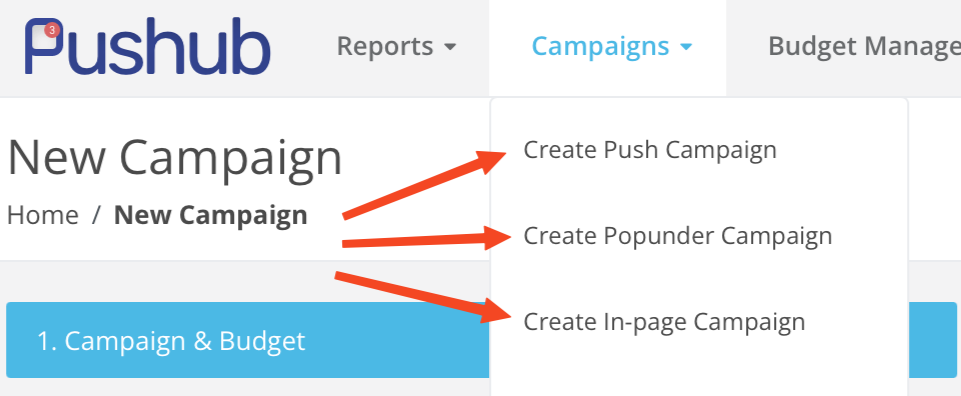
This option is available for all formats on Pushub: Push, Pop, and In-Page.
Supported Verticals
the Defulat Segmentation is the RON label.
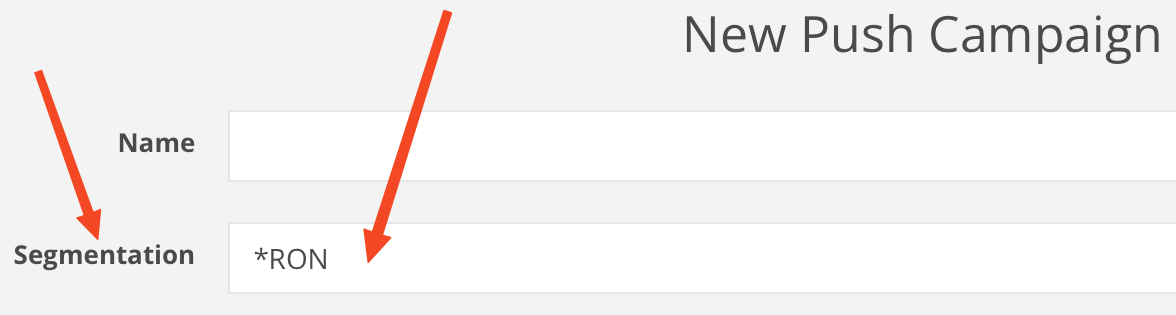
Now, you'll see a rich set of options in a dropdown menu.
You can select the exact traffic type that is most relevant to your campaign.
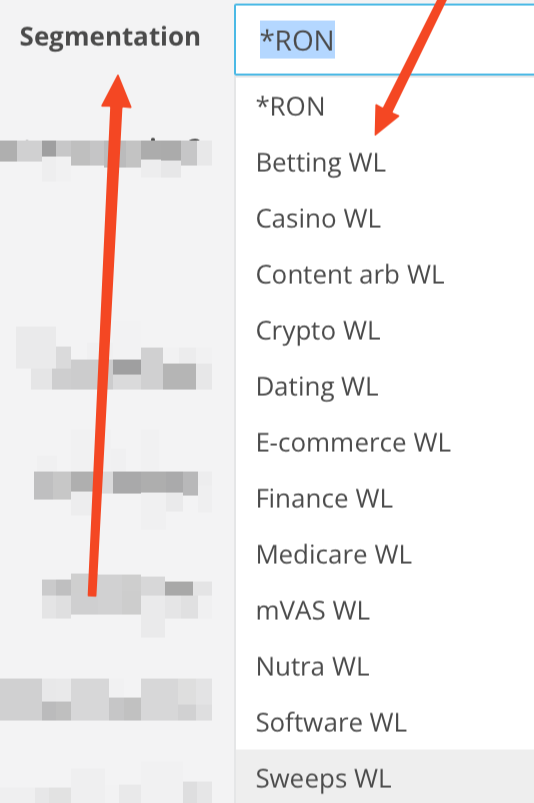
Select the desired traffic type, and you'll receive sources that deliver maximum relevant conversions and leads.